Professional invoicing, without the admin.
OFSYRA Invoice is a focused invoicing app for iPhone and iPad. Create professional invoices, keep track of what's paid and what's owed, and send everything straight from your own Mail account.
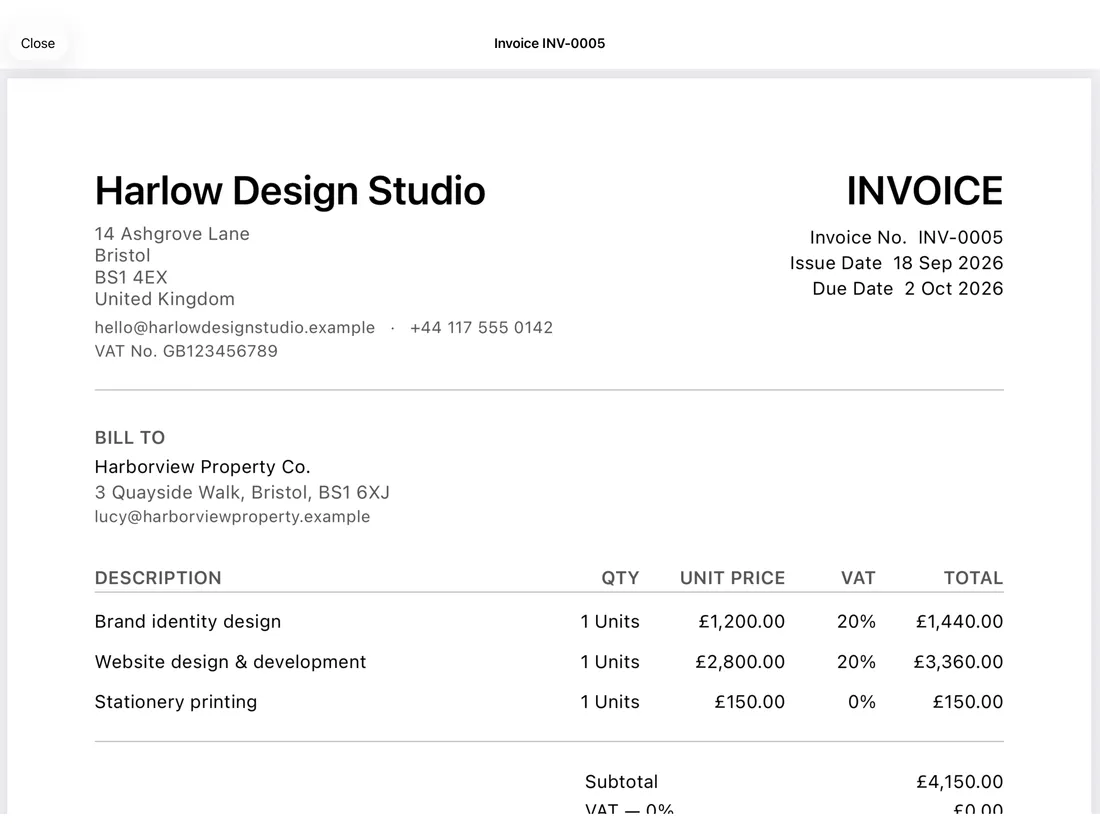
See exactly what your customer will receive.
Every invoice previews as the real PDF that gets sent — your business details, your customer's billing information, a clear breakdown of VAT by rate, and your payment details, laid out properly. No surprises after you hit send.
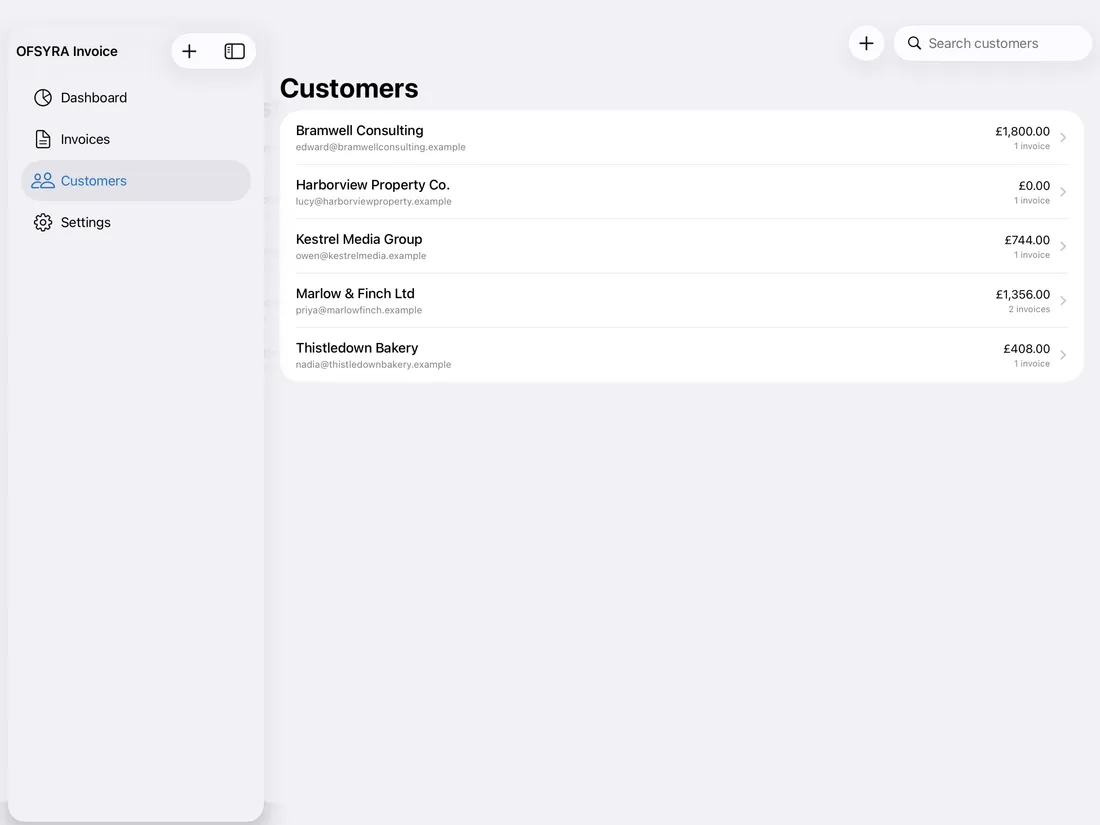
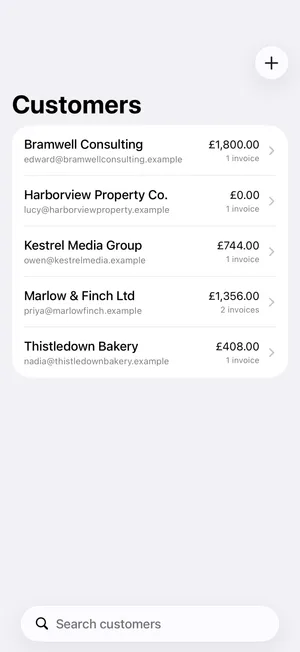
Every customer, and everything you've invoiced them.
Keep contact details, company and VAT numbers on file for every customer, and see their invoice history and running total at a glance — no separate spreadsheet to keep in sync.
Everything you need to invoice.
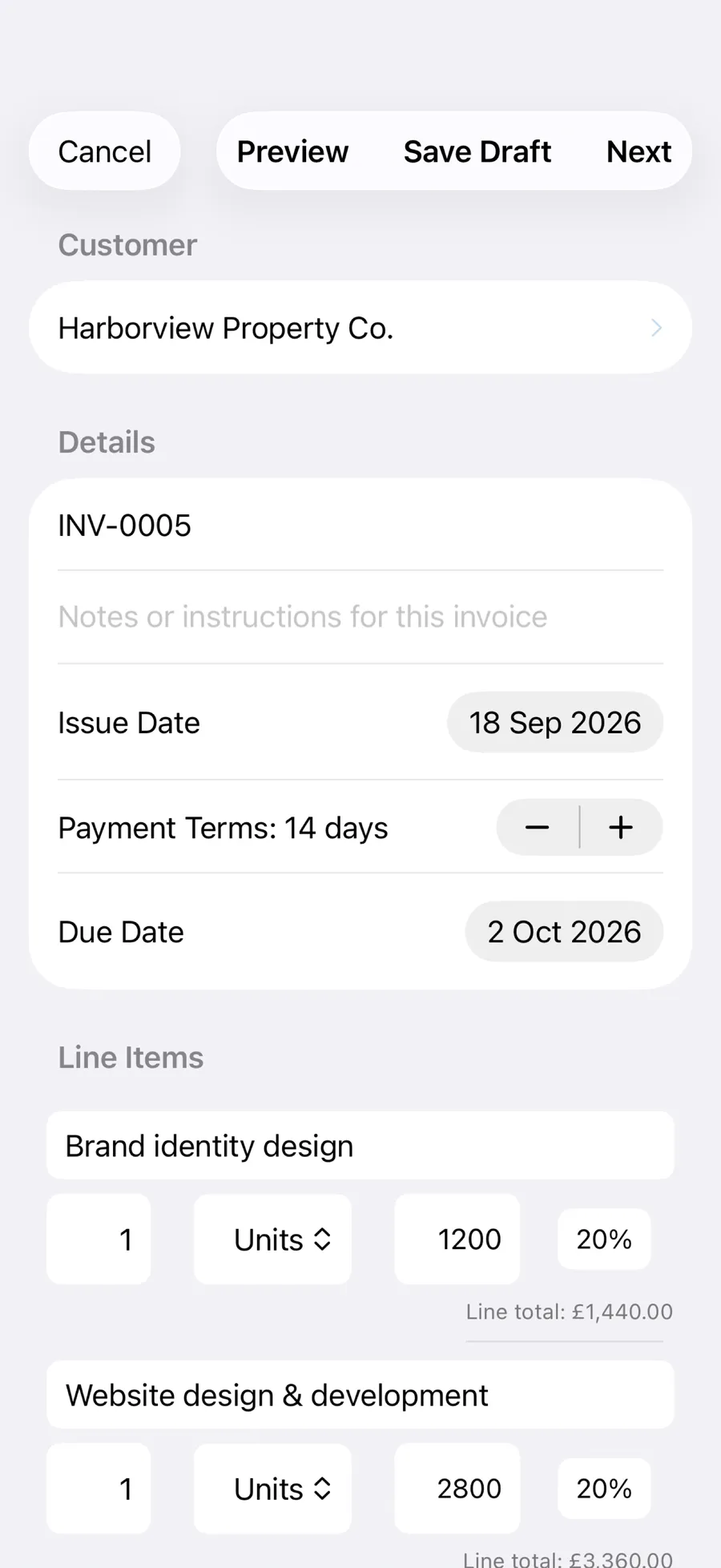
Create professional invoices in seconds.
Pick a customer, add your line items, and set the VAT rate for each one — OFSYRA Invoice totals everything automatically, including payment terms and due dates.
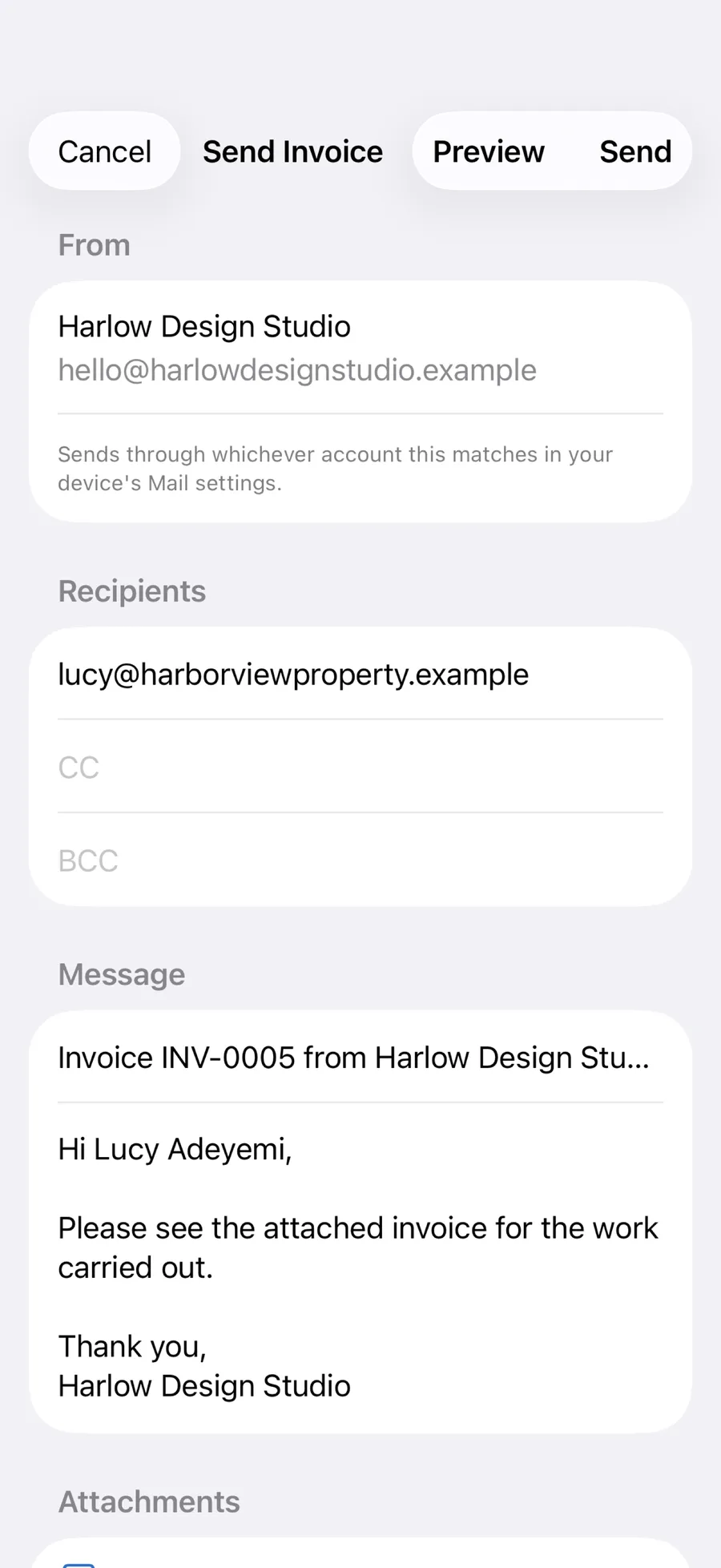
Send it. Then know what's happening.
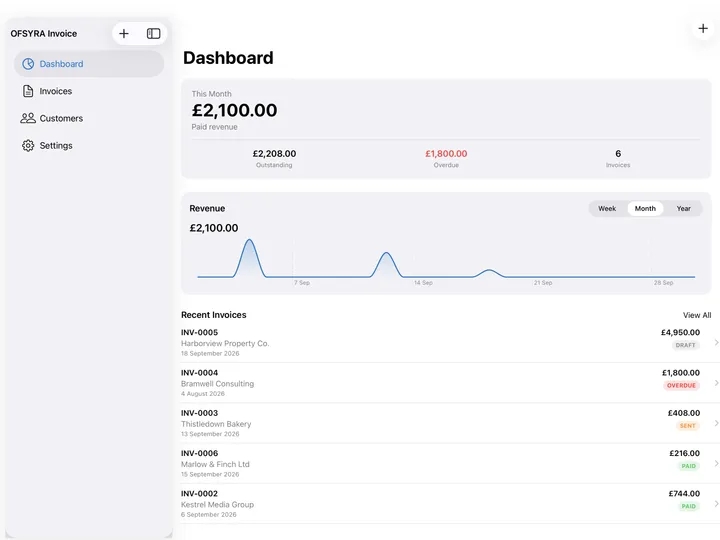
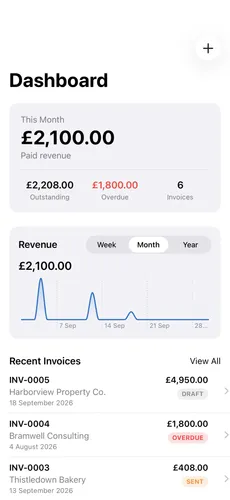
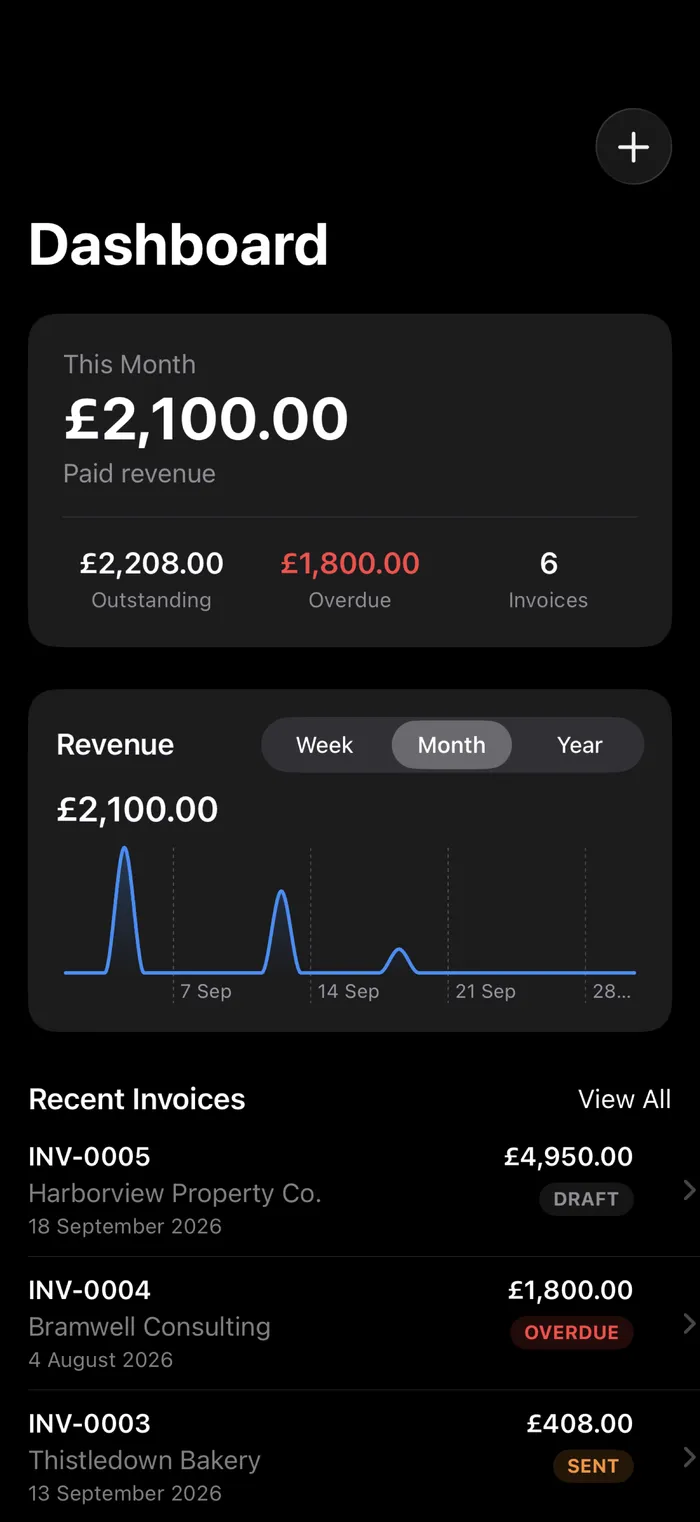
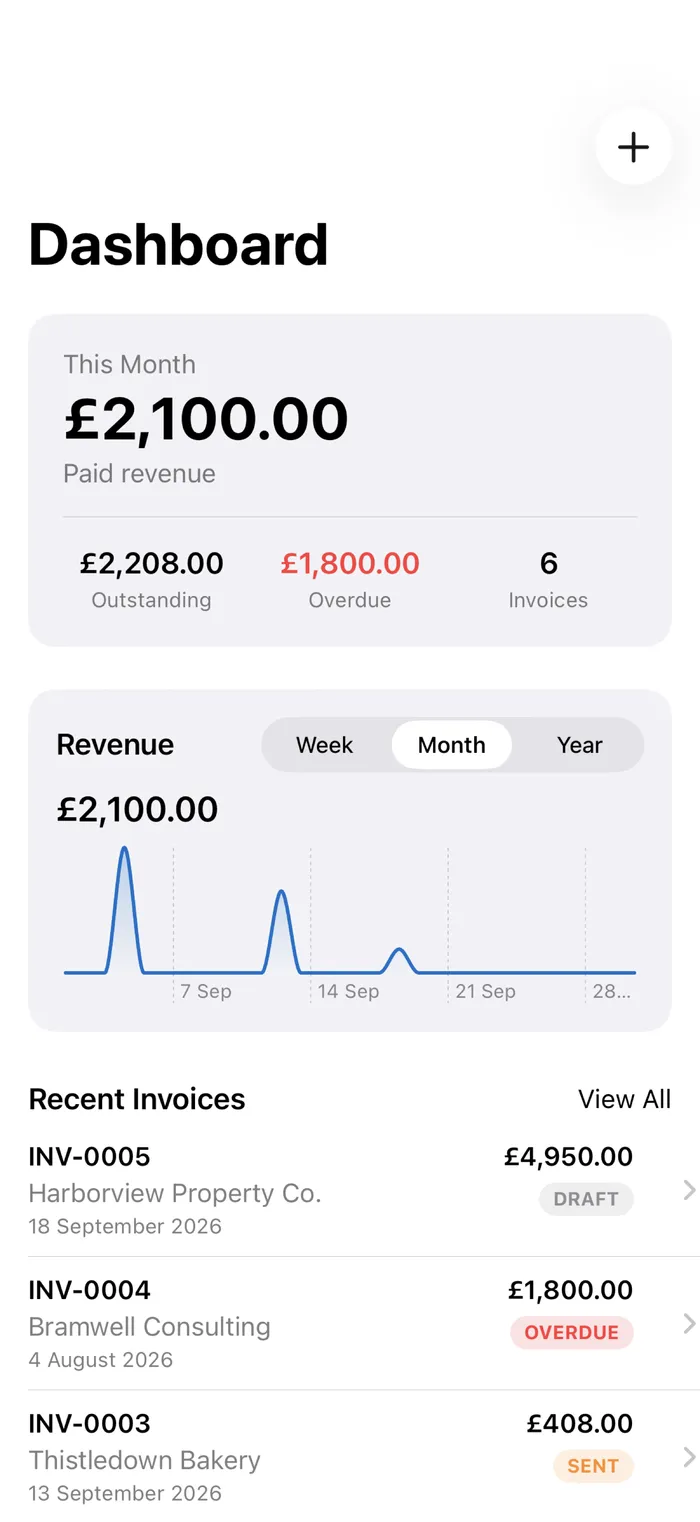
Send straight from your own Mail account, or share it another way if Mail isn't set up — then keep track of what's paid, what's outstanding, and what's overdue, all from one place.
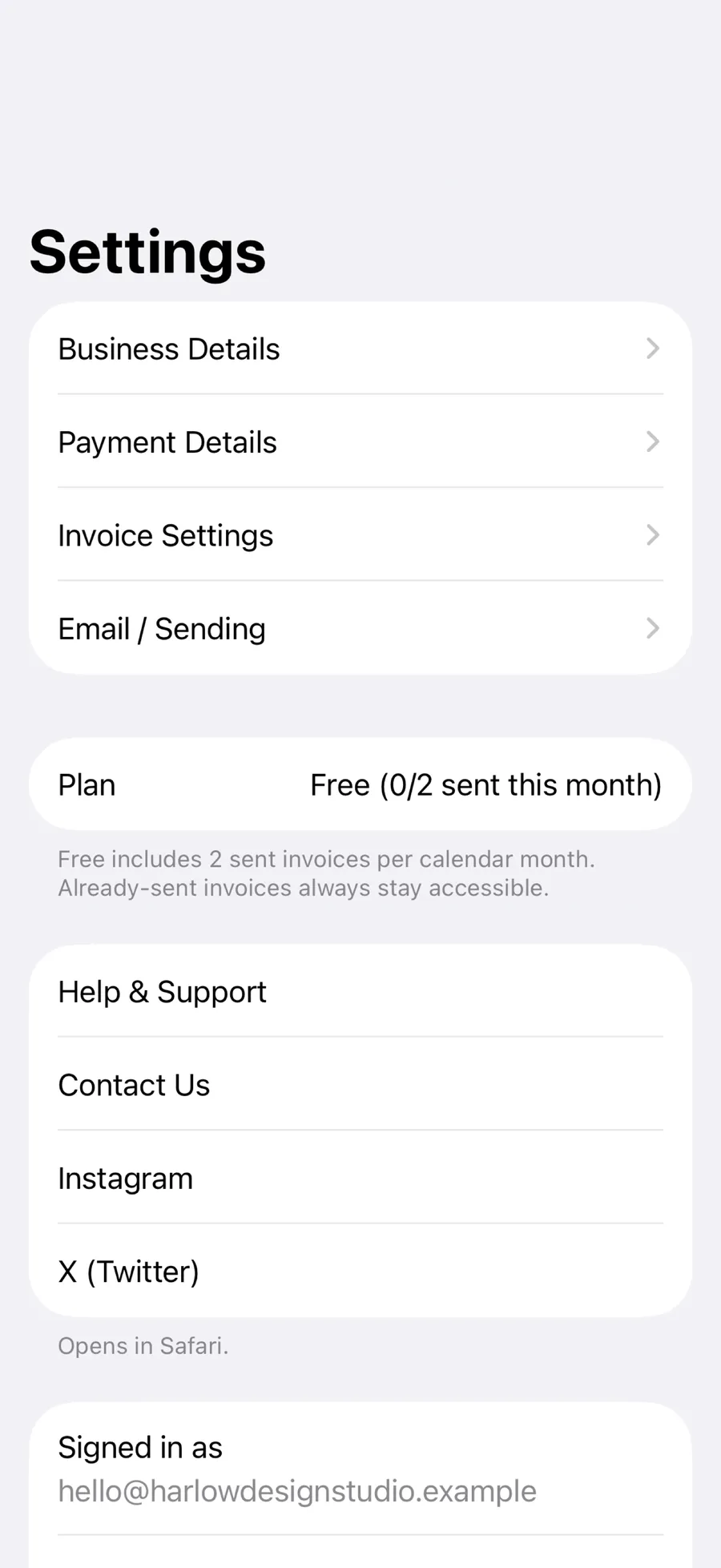
Your business, your settings.
Business and payment details, invoice numbering, and your sending preferences all live in Settings — alongside OFSYRA Invoice Pro, Help & Support, and your account controls.
Your work, across your devices.
Start on iPhone. Continue on iPad. OFSYRA Invoice keeps your invoices, customers, and business data in sync across your iPhone and iPad, so your work stays with you wherever you use the app.
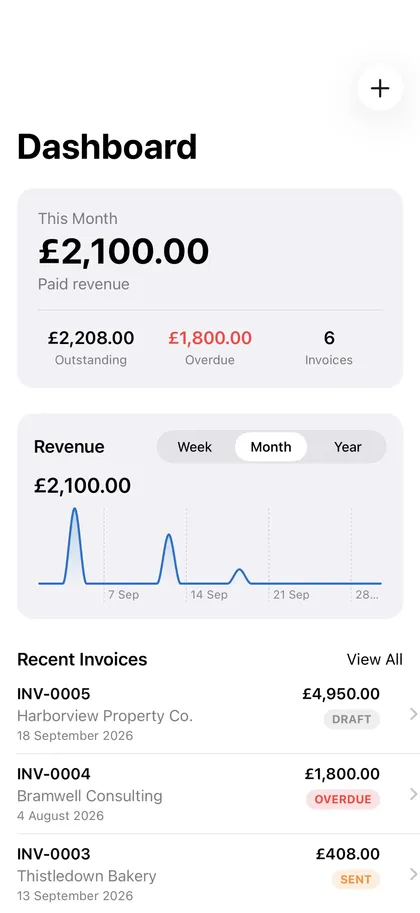
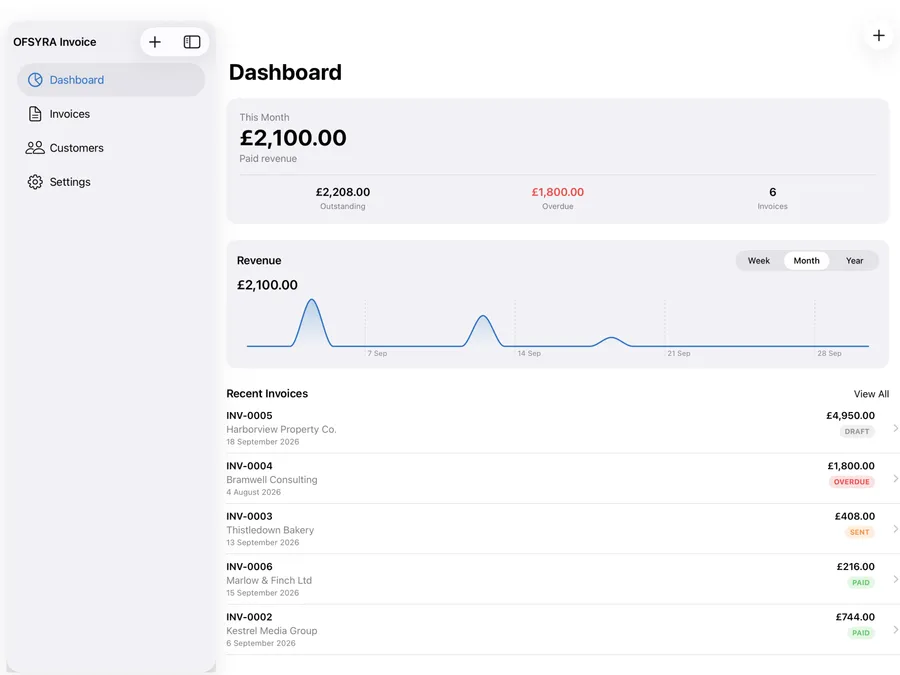
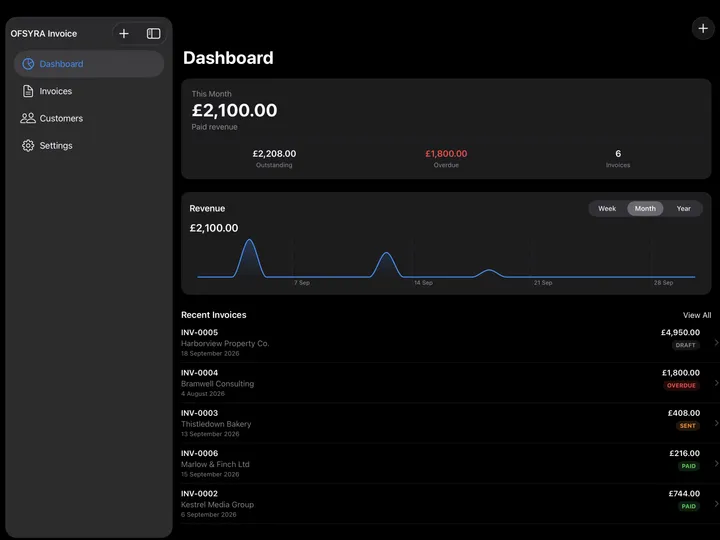
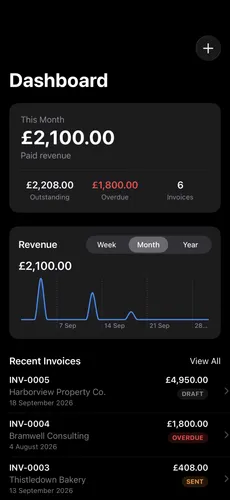
Designed for Light and Dark.
OFSYRA Invoice looks just as considered in Dark Mode as it does in Light — matching whatever your iPhone or iPad is already set to.